Take the Pledge: A web platform to help raise fire alarm awareness for the city of Burlington.
CASE STUDY · 5 MIN READ
ROLE
Product Designer
TIMELINE
4 months
TEAM
Product Designer
Web Developer
SKILLS
Product Design
User Research
Web Development
OVERVIEW
Helping Burlington residents check their fire alarms with a simple online pledge.
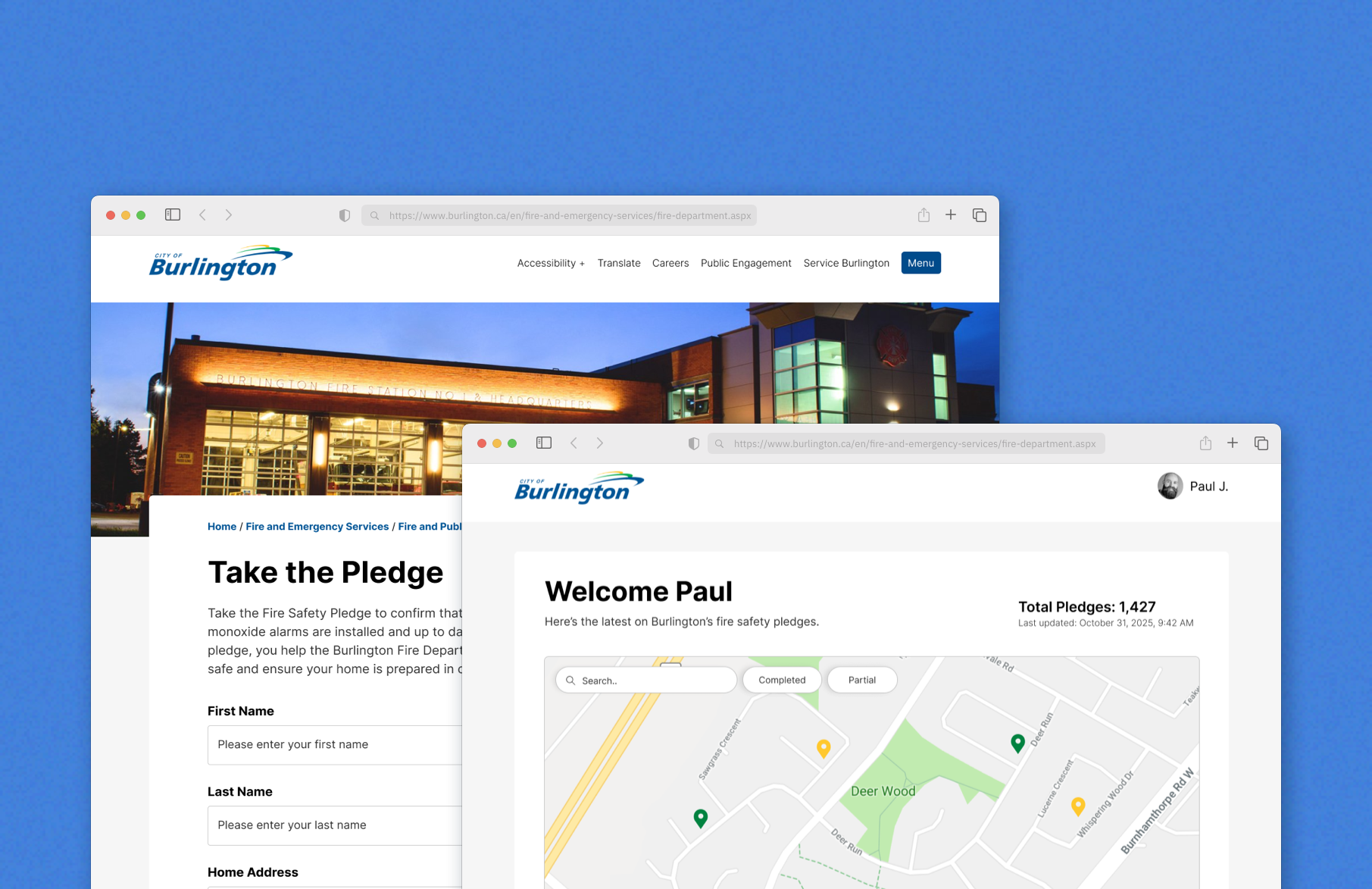
The Burlington Fire Department wanted to make it easy for residents to make sure their smoke and carbon monoxide alarms were working properly. Residents could take the pledge directly on the city’s website.
PROBLEM
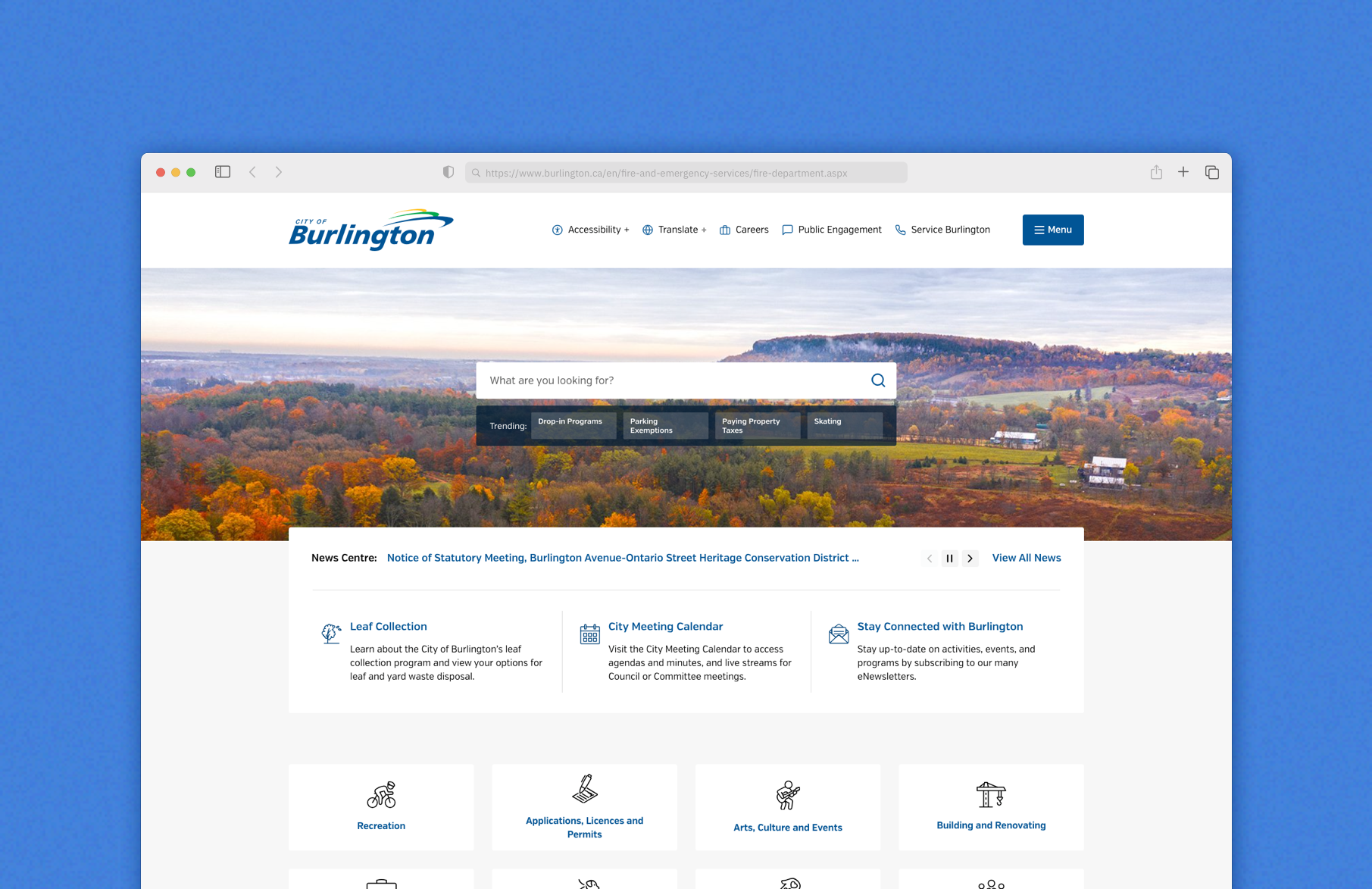
Raising fire-alarm awareness through door-to-door visits wasn’t practical at scale.
Visiting homes took a lot of time and pulled staff away from more important duties. The department needed a faster, easier way to reach everyone in the community.
SOLUTION
A all-in-one platform that lets residents contribute and help the fire dept. better serve their community.
We built a web form where residents could quickly confirm their alarms. Behind the scenes, the fire department could see who had taken the pledge and get a clear picture of participation.
DASHBOARD
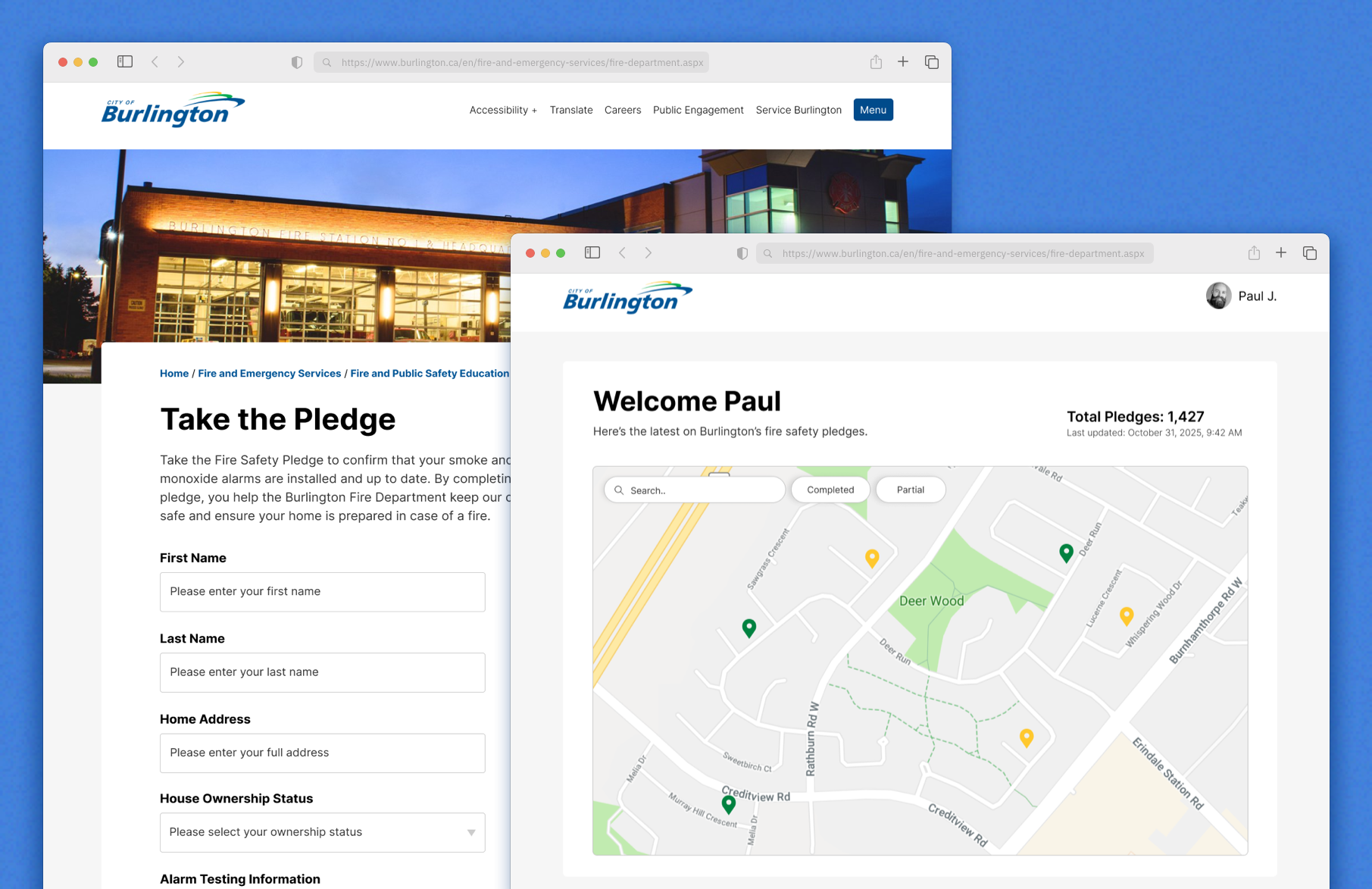
A clear, map-based view so staff can see engagement at a glance.
I designed a map-based dashboard with color-coded pins (green for completed, yellow for partial, red for not started) so staff could quickly identify which neighborhoods needed attention. Geographic visualization was critical for planning door-to-door follow-ups, staff could filter by pledge completion status and click pins to view household details, making outreach routing efficient.
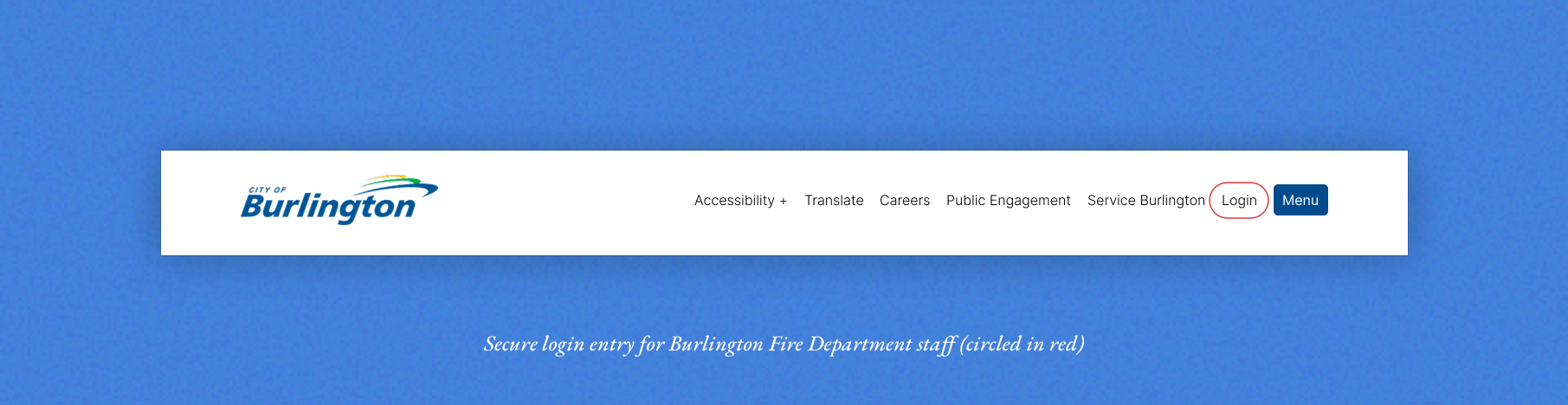
To support staff access, a secure login was integrated into Burlington's existing navigation, a small update that kept the dashboard seamlessly connected to their website.
FORM
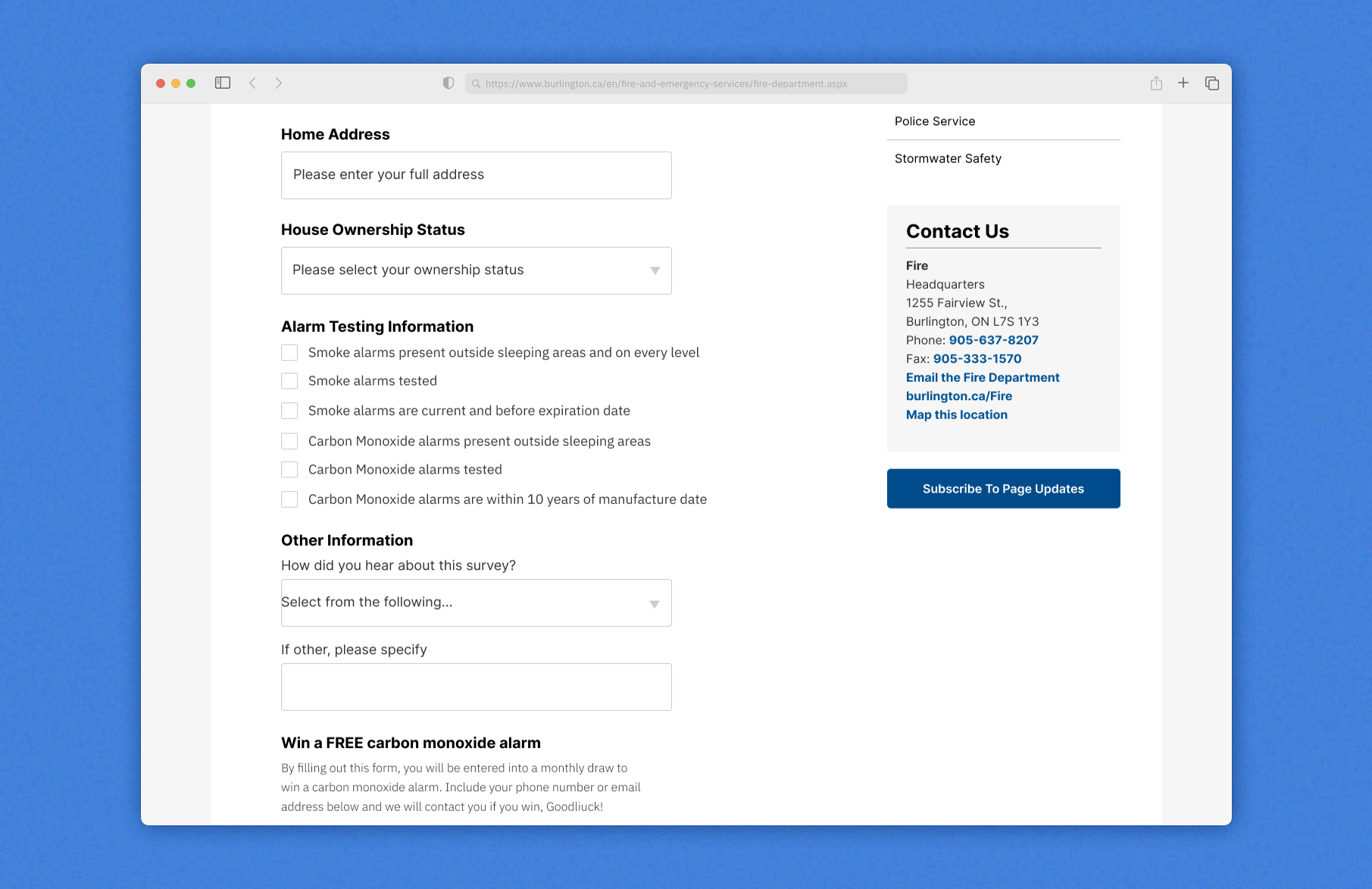
Making the pledge form simple and flexible for everyone.
We worked with Burlington Fire Department staff to decide what information to collect. Not everyone is a homeowner, so the form was designed to be optional. Residents could share as much or as little as they felt comfortable. This made it easy for everyone to take the pledge.
REFLECTION
What I learned
Data that drives decisions
Using a map with color-coded pins and filters helped staff quickly see which households had taken the pledge. This visualization made it easy to understand community engagement and plan follow-up outreach efficiently.
Small changes, big impact
Adding a staff login to the navbar ensured secure access without disrupting the public site. This small UX change made the dashboard accessible to the right users while keeping the rest of the website seamless for residents.